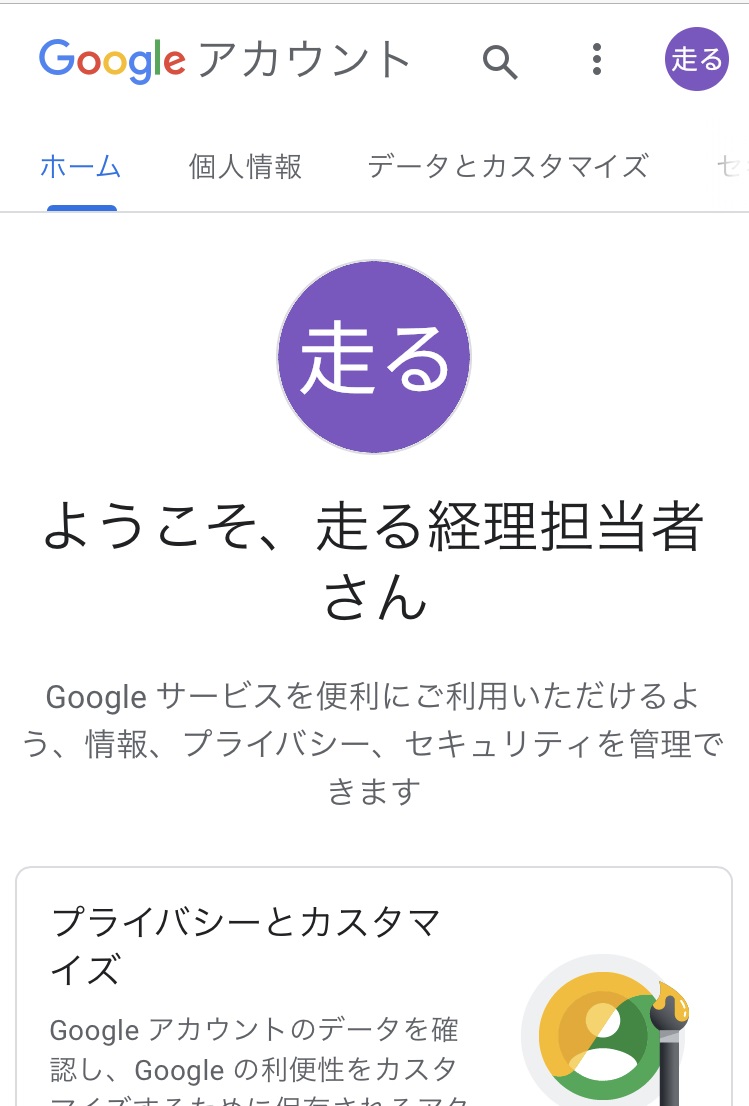
I need a work email address and account for remote work and Zoom!
At that time, let’s create an account with Gmail.
Please use Safari to see the images actually created for this blog.
First, search for Gmail. Or click here.
https://support.google.com/mail/answer/56256?hl=ja
① Click Create Account

②Carefully consider the user name as it becomes the email address.
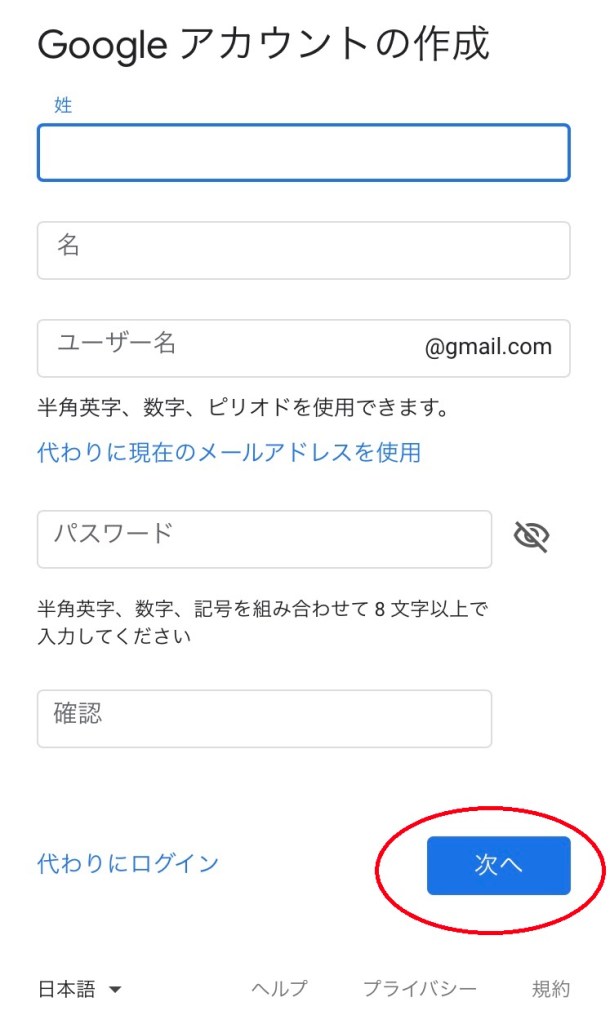
③By entering the phone number, the code will be sent to the message application on iPhone.
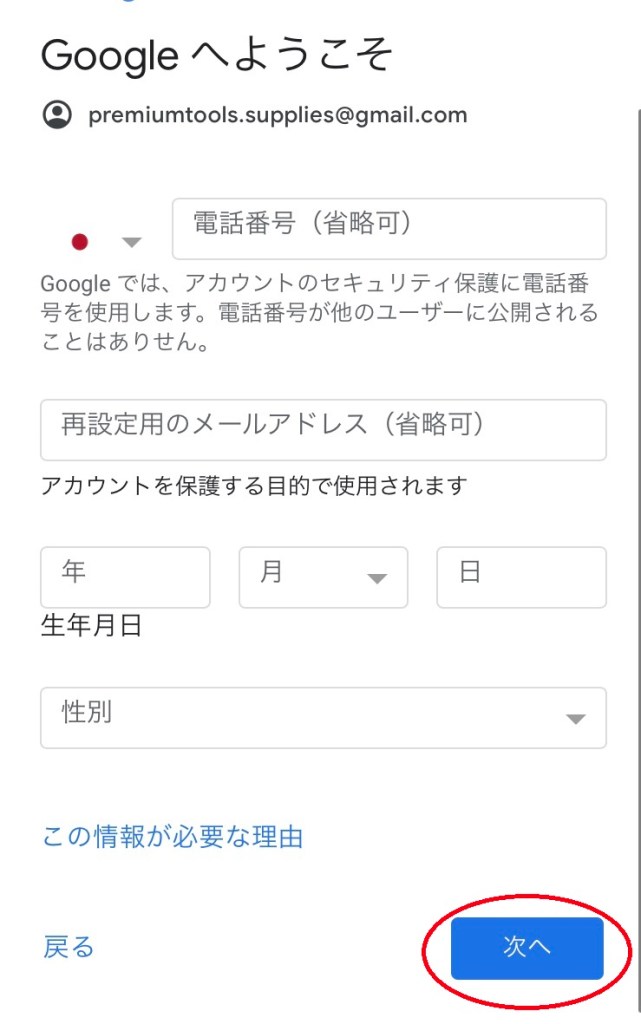
④Send the code to the message app.
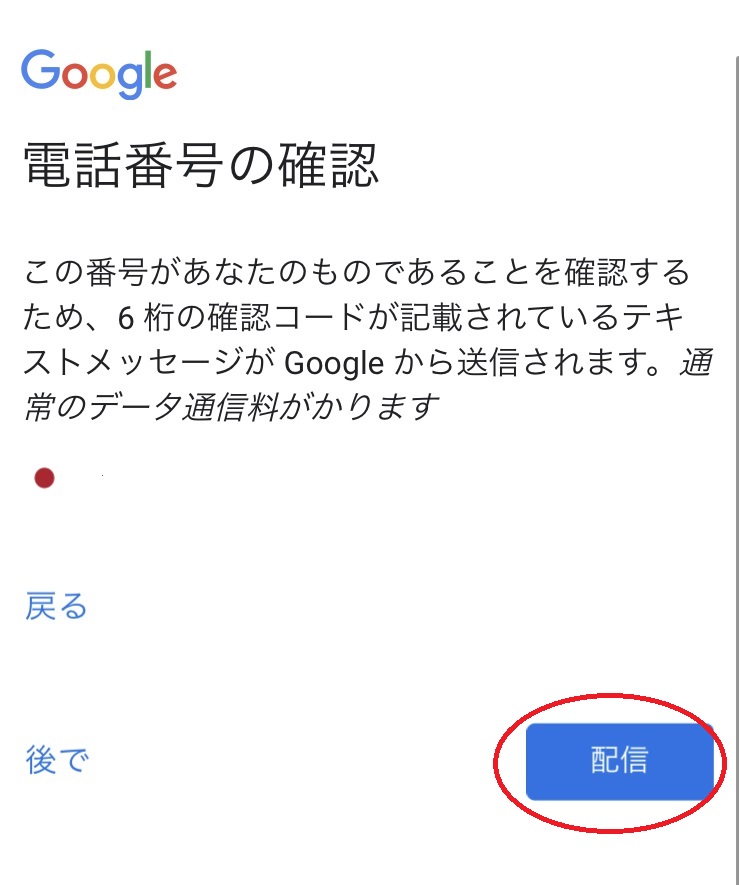
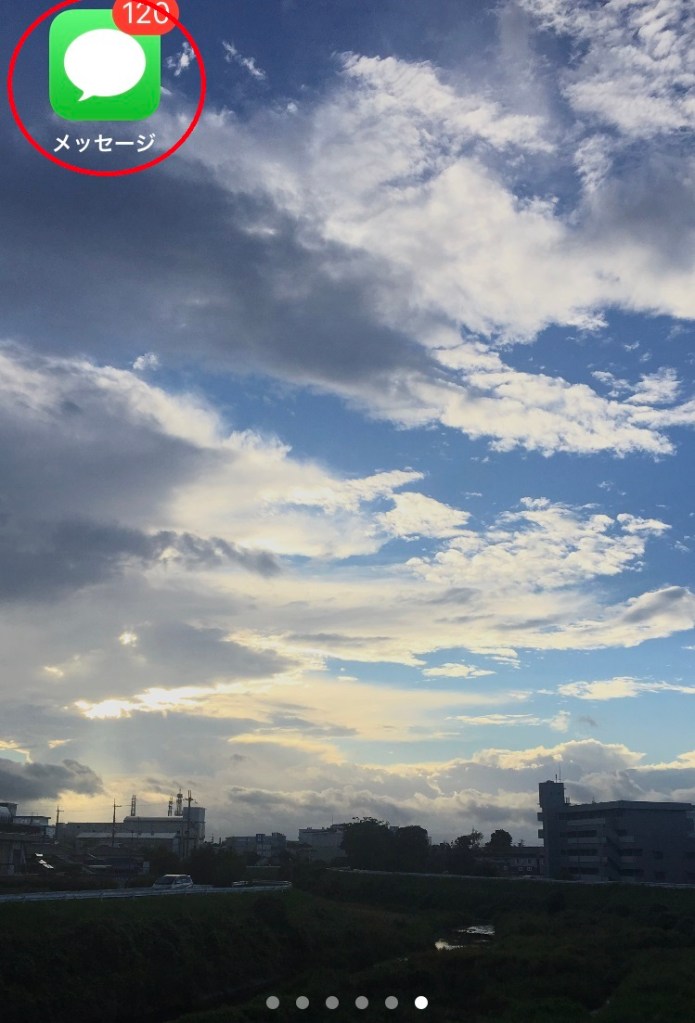
⑤Launch the Messages app, copy and paste the code
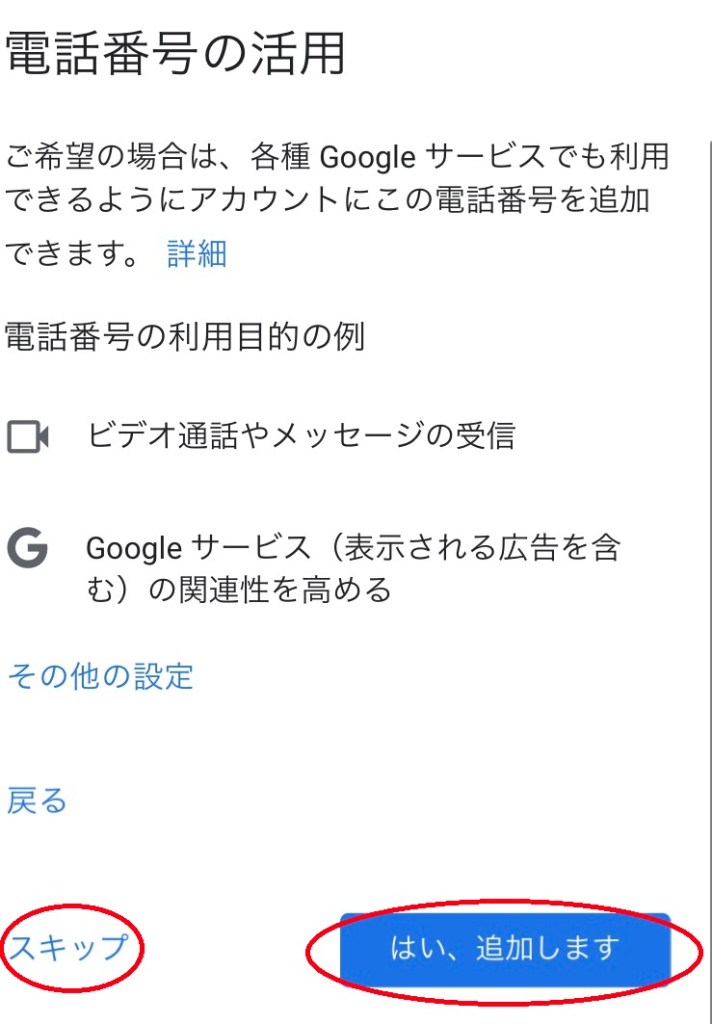
⑥It’s very convenient, so use the lower right. Click.
If not needed, skip to the bottom left.
⑦Confirm Terms of Use

⑧If you agree to the terms of use, click the bottom right.

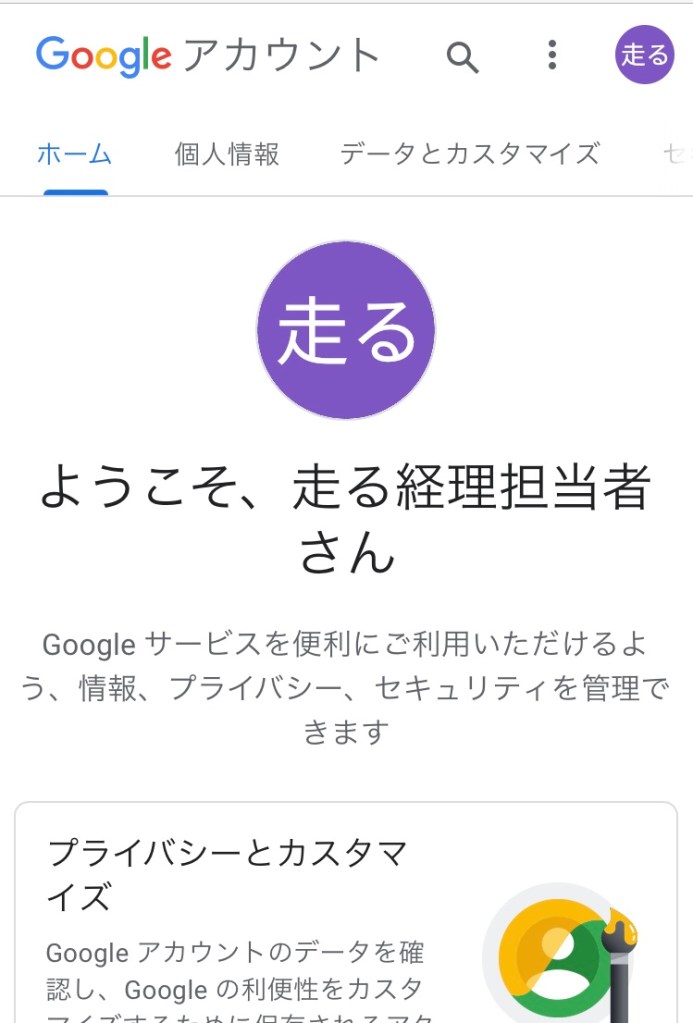
⑨The account has been created.
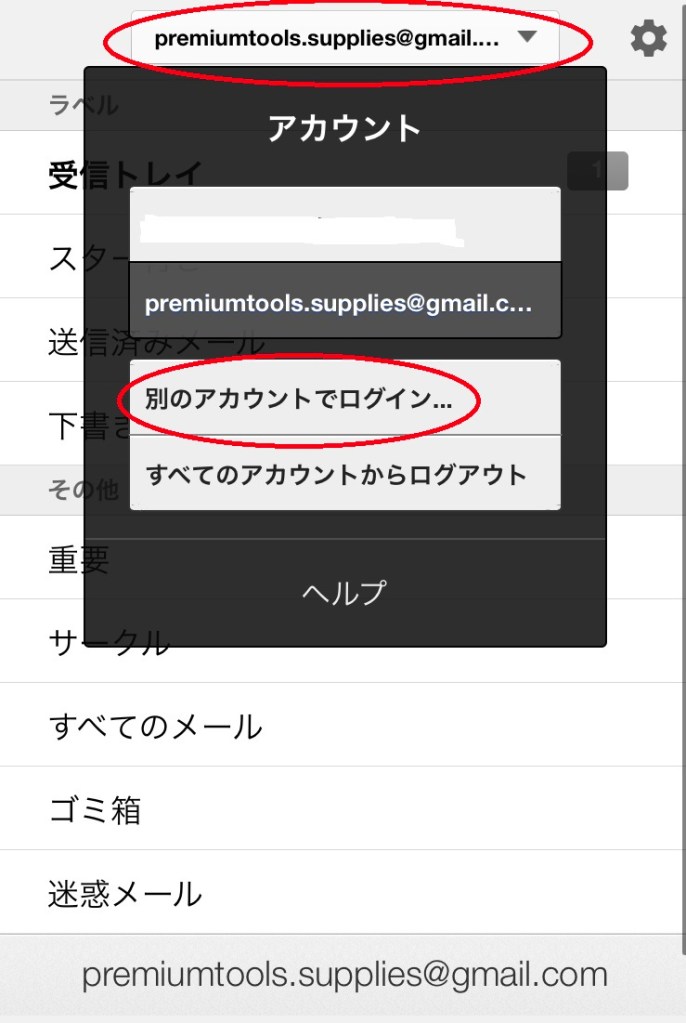
⑩Log in to your Gmail mailbox
https://mail.google.com/mail?hl=ja
Please click the “三” in the upper left and log in with the newly created Hoya Hoya account name.
that’s all. Thank you for visiting.
 通勤通学、仕事中に見る豆知識