Coronavirus is prevalent all over the world.
So,keyboard shortcut for A member of society and student work remotely.
You can learn little by little, so Let’s work hard together and efficiently.
Task manager(The Excel you were operating disappeared!
Or the computer becomes inoperable
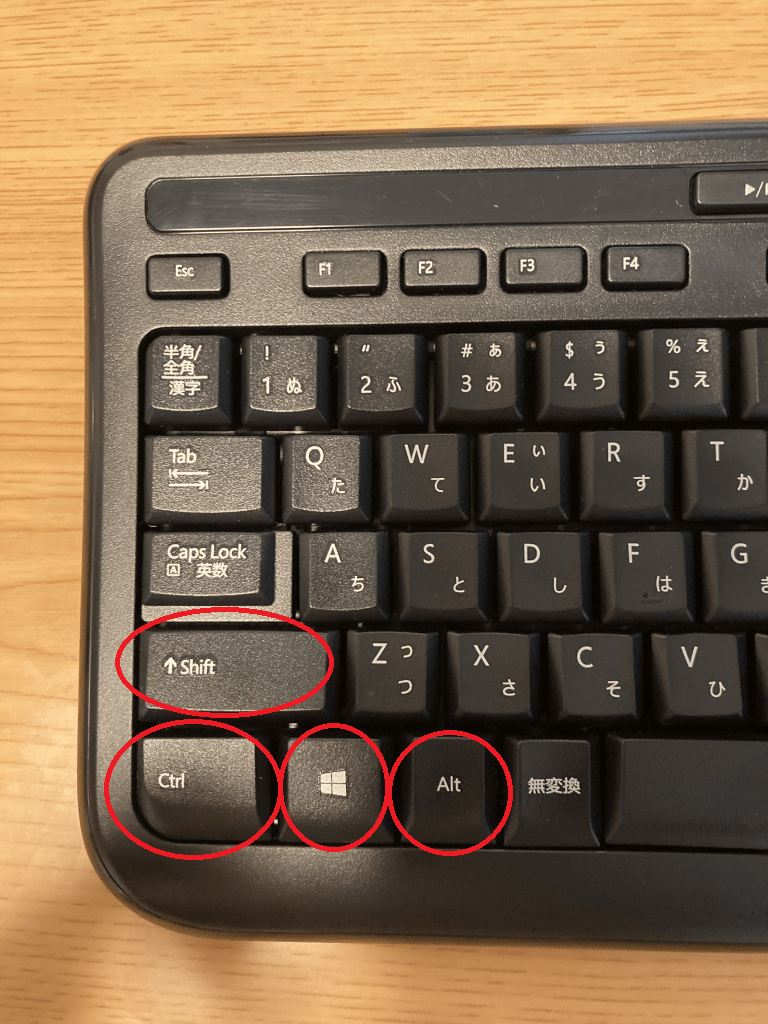
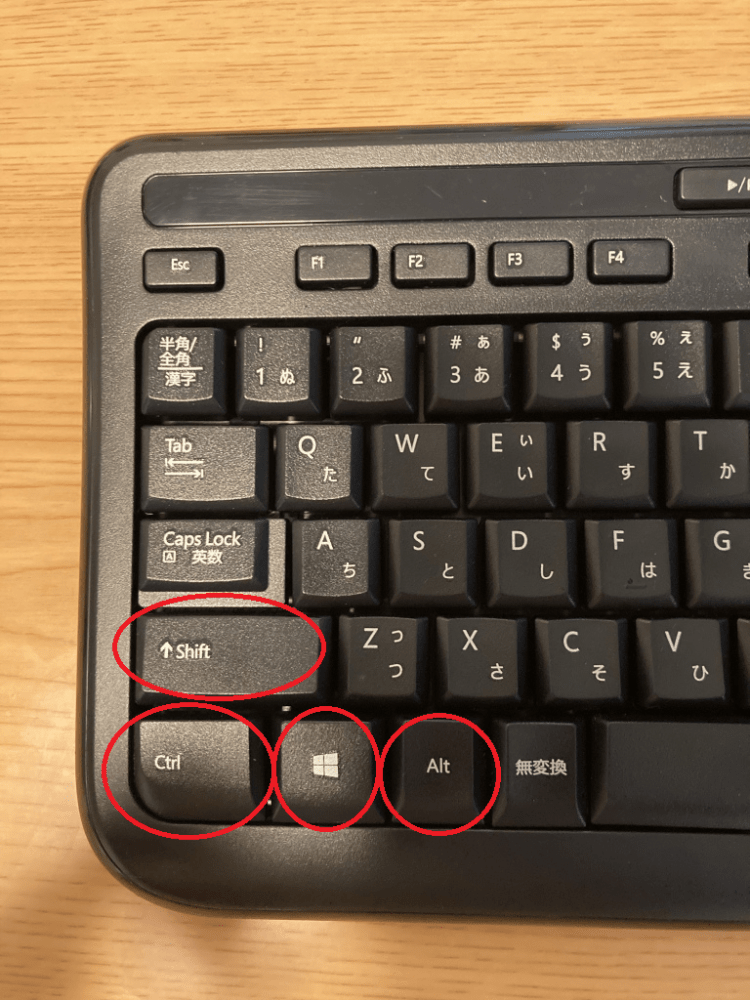
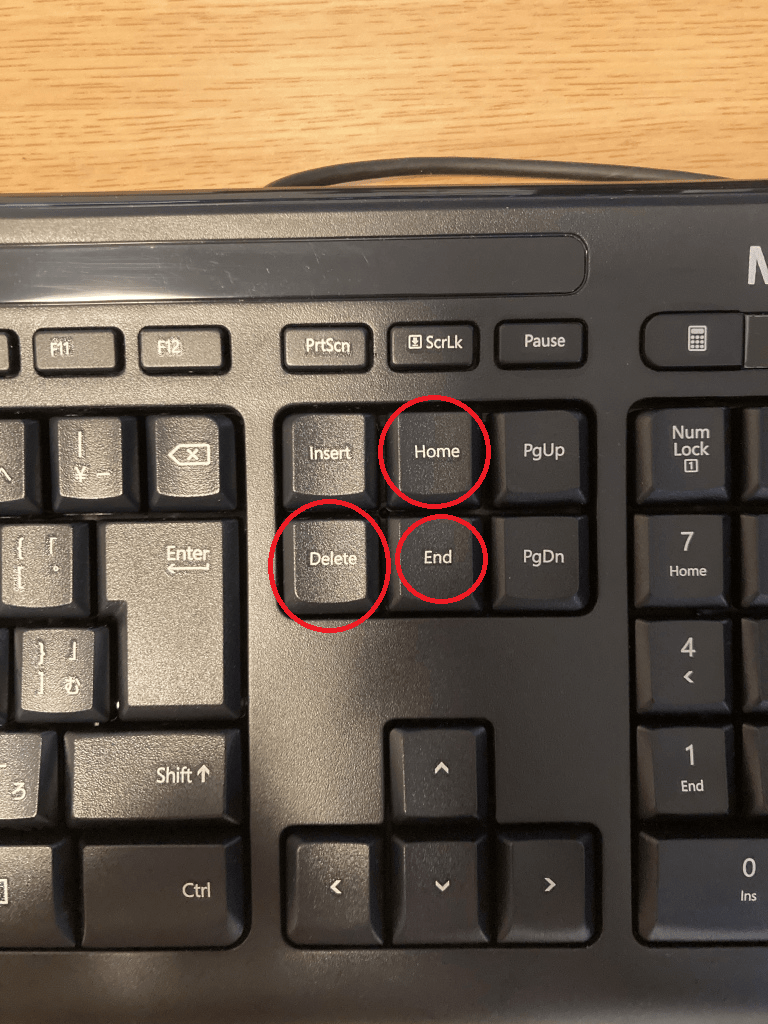
When it):Ctrl+Alt+Delete
Screenshot of specified range:Shift+WindowsKey+S
Screen recording:Windowskey+G,Start recording with ◯ in the upper left capture
Today’s date in excel:Ctrl+;
Copy:Ctrl+C
Pasting:Ctrl+V
Overwrite save:Ctrl+S
Undo:Ctrl+Z
The first:Ctrl+Home
The end:Ctrl+End
Select all:Ctrl+A
Extra edition
If you find something wrong with your computer, try turning off fast startup.
In the lower left of the screen, search in the control panel for “Type here to search”, hardware and sound, power options, “Choose what the power button does” on the left, and blue text “Change currently unavailable settings” Disable” and “Disable Fast Startup” to uncheck it!
Then save your changes and you’re done.
There are cases where the advantage is that the time is 1 to 5 seconds, but the disadvantage is that the USB memory is not recognized and the Windows Update update program is not applied.
It’s unstable at the moment, so just in case you may want to disable fast startup to prevent your PC from getting stuck and frustrated.
Thank you for visiting.
 通勤通学、仕事中に見る豆知識